
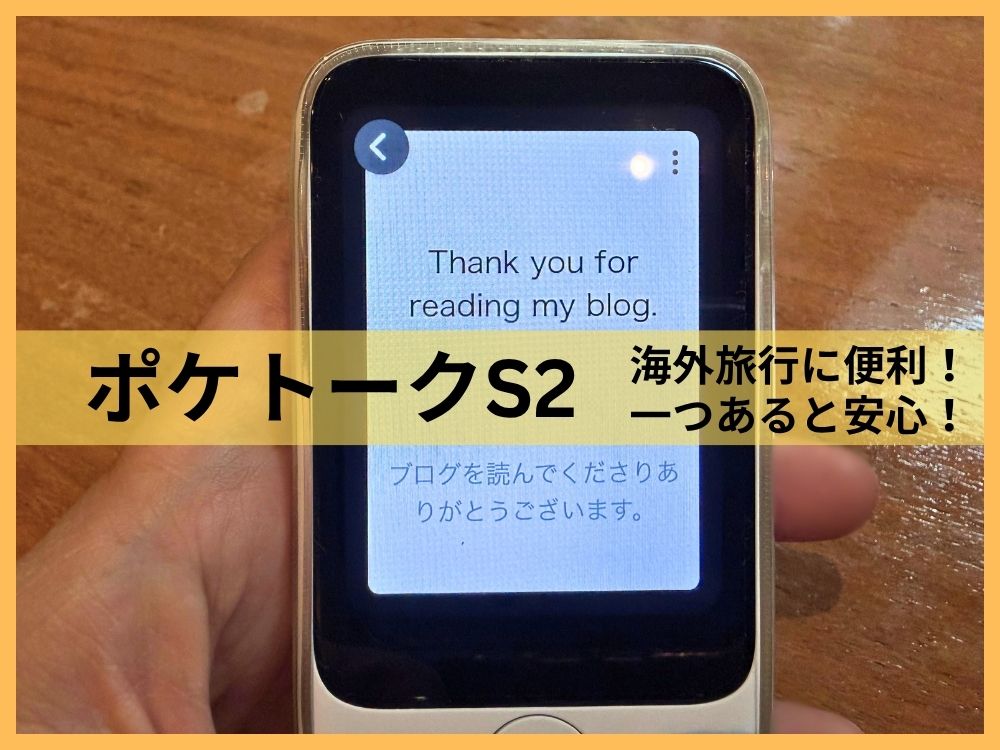
My husband and I are Japanese, and our first language is Japanese. We’ve been studying English, but we still often get stuck mid-sentence or can’t quite catch what the other person is saying.
On top of that, when my husband went to Canada, he expected everything to be in English, but in some cities like Montreal, the signs were only in French, and he had a hard time.
Since we were about to move abroad ourselves, we knew we might run into language barriers while looking for a place to live, visiting the doctor, or traveling around Europe.
These days, a smartphone can handle translation just fine, but as a just-in-case safety net, we decided to buy a dedicated translation device called “Pocketalk,” made by a Japanese company.
- What Pocketalk is: models, pricing, and features
- An honest comparison with smartphone translation apps
- Real situations where it came in handy
- The benefits we noticed using it with kids
- Who we’d recommend it to
What Is Pocketalk?
Pocketalk is a dedicated translation device: you just hold down a button and talk, and it automatically detects the other person’s language and translates for you.
There are currently four main models.
| Model | Screen Size | Features |
|---|---|---|
| Pocketalk S2 | 2.8 inches | Two-way auto-interpretation, coverage in 170+ regions, around 90 supported languages |
| Pocketalk S2 Plus | 3.97 inches | Bigger screen, longer battery life (same translation performance as the S2) |
| Pocketalk S | – | Previous-generation model for budget-conscious buyers No two-way auto-interpretation, coverage in 140+ regions, 74 supported languages |
| Pocketalk S Plus | – | Previous-generation model with a bigger screen |

The Pocketalk S2 is the newest version of the Pocketalk S.
Two-way auto-interpretation means the device automatically figures out which language is being spoken, no matter who talks first. That makes the back-and-forth of a conversation a lot faster than with older models.
We bought the “Pocketalk S2” with the 5-year connectivity plan.
- Screen: 2.8 inches (text size is adjustable)
- Supported languages: 91 for voice and text, 56 for camera translation
- Connectivity: built-in eSIM, no contract required, works in 170+ countries and regions
- Connectivity period: choose 2 years or 5 years at purchase (extendable by 90 days with user registration)
- Per utterance: up to 30 seconds

The built-in eSIM with no contract is a huge plus, since it lets you connect anywhere right away.
There’s no need to hunt down a local SIM card after you land, or go looking for a Wi-Fi connection. You don’t have to worry about roaming charges, either — it’s ready to use the moment you turn it on, which is a small but genuinely appreciated detail.
You can choose a 2-year or 5-year connectivity plan when you buy it.
POCKETALK S2 (5-Year Plan)
The best part is you can start translating right away, no matter what country or language you’re dealing with!
How Is It Different From a Smartphone Translation App?
Honestly, before buying it, I thought, “Isn’t a smartphone translation app good enough these days?”
Once we actually tried it, there was almost no difference in translation speed or accuracy between Pocketalk and Google Translate. Mistranslations happen with both.
If you’re only comparing accuracy and features, a smartphone is probably good enough. But having a separate device from your phone comes with a surprising number of advantages.
What It Can’t Do, and What It’s Actually For
It translates one utterance at a time, so it can’t translate a whole meeting or interpret a conversation in real time the way AirPods can. Because of that, it’s less about letting you fully understand a language you can’t speak, and more about making sure you get your point across and correctly understand what the other person is saying. It’s especially useful for everyday conversation, and for situations like customs, contracts, or disputes where accuracy really matters.
What Are the Benefits of a Separate Device?
The benefits of having a separate device were actually the whole reason we bought Pocketalk in the first place. Here’s a rundown of why.
Your Phone Stays Free for Other Things
If you let Pocketalk handle translation, your phone is free to do other things, like showing a map while you ask for directions, or pulling up a reservation screen during a conversation. Trying to use one device for both translation and everything else tends to make both jobs harder, but splitting the roles makes everything smoother.
Saving Your Phone’s Battery
While traveling, your phone is already juggling maps, photos, and staying in touch with people, so adding translation on top of that drains the battery even faster.
With Pocketalk handling translation on its own, you can save your phone’s battery for everything else.
Spreading Out the Risk of Losing It or Having It Stolen
There are times when you hand the device to the other person mid-conversation so they can speak into it directly.
There’s always some risk your phone could get taken, not necessarily by the person you’re talking to, but by someone passing by, depending on where you are. There are definitely situations where you’d rather not be holding your phone out in the open.
With a separate device, even if you lose it or it gets stolen, all it does is translate, so the damage is minimal.
Safe to Hand Over to Someone Else
This comes up a lot. With a phone, you have to worry about the other person seeing your personal information, photos, or app notifications. Since Pocketalk only does translation, you can hand it over without a second thought.
Picks Up Your Voice Even in Noisy Places
Pocketalk has a dedicated microphone and noise-canceling feature built specifically for translating conversations, so it picks up your voice clearly even in noisy places.
On this point, we noticed a huge difference compared to a phone’s general-purpose microphone.
Pocketalk also has a smartphone app version. After trying both, the microphone performance was completely different. The app version had trouble transcribing what we said accurately, but this dedicated device gets it right almost every time, so we can use it completely stress-free.
No Notifications to Distract You
When you translate on your phone, emails or social media notifications can pop up mid-conversation and pull your attention away. Since Pocketalk only does translation, being able to stay focused on the conversation is another small thing we really appreciate.
Easy to Operate
All you have to do is press a physical button, so it’s very simple to use. With a phone, it can feel a little sluggish at times, or you lose track of the screen while juggling other things, so it’s often not ready the instant you need it. A dedicated device is much easier to use in that sense.
Charges With USB-C
It charges via USB-C, so you can share a charger with most smartphones.
No Wi-Fi or SIM Card Needed
It has its own built-in SIM, so you don’t have to worry about internet settings. It does need a signal, so it won’t work on a plane, but you can start using it the moment you get off at the airport.
The latest model, the Pocketalk S2, covers 170+ countries, so you can use it almost anywhere you go!

How to Use It
Using It in Conversation
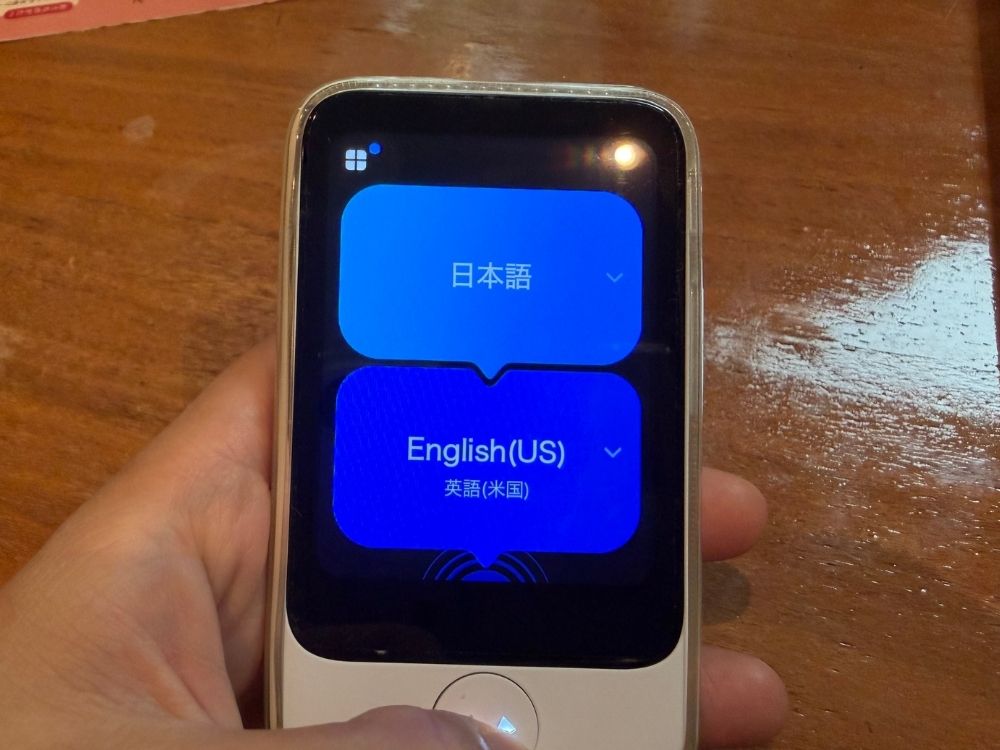
This is the screen you see when you turn it on.
The screen is a touch panel, so you can also switch things manually.
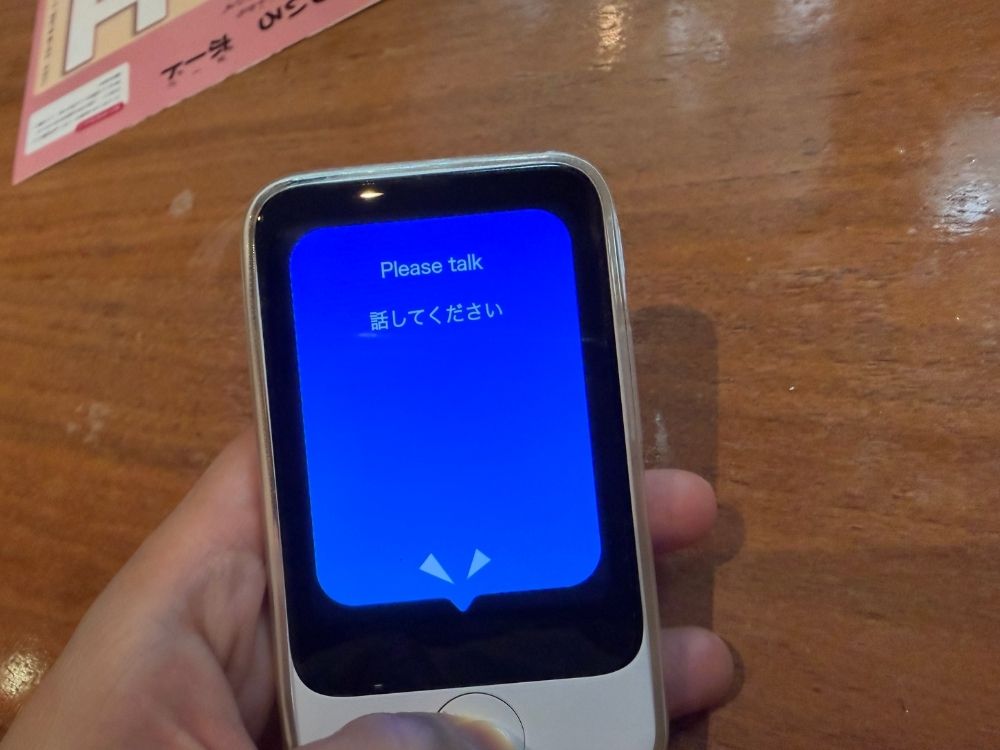
While you hold down the physical button at the bottom and talk, it listens and translates what you’re saying.
Translating With the Camera
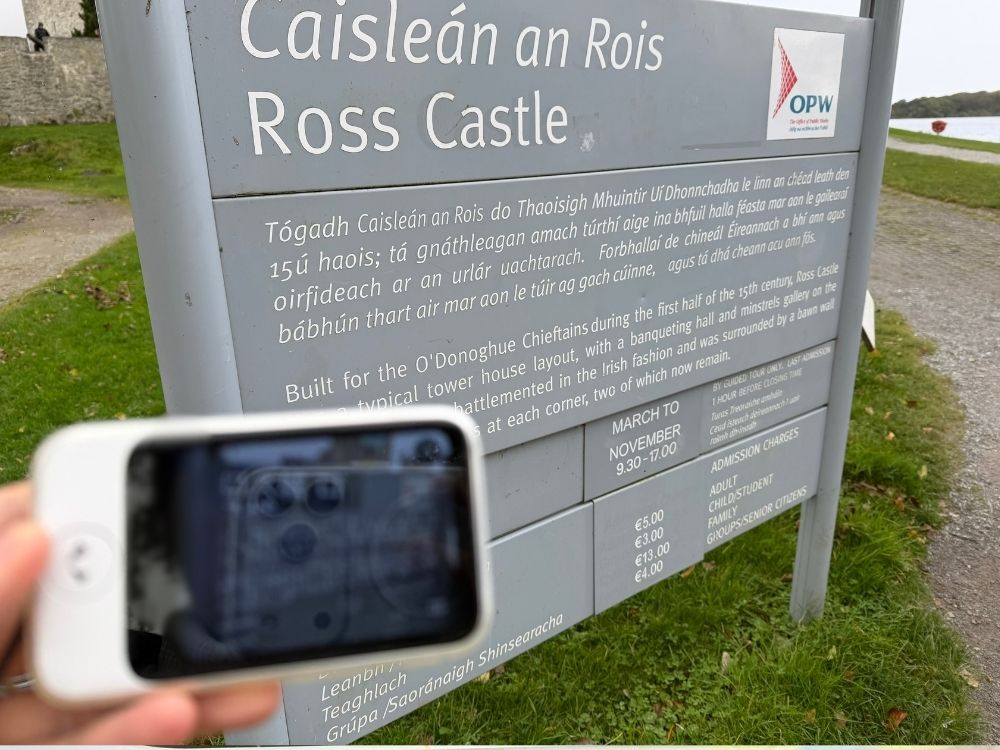
If you turn on the camera setting and take a photo of something like a sign,
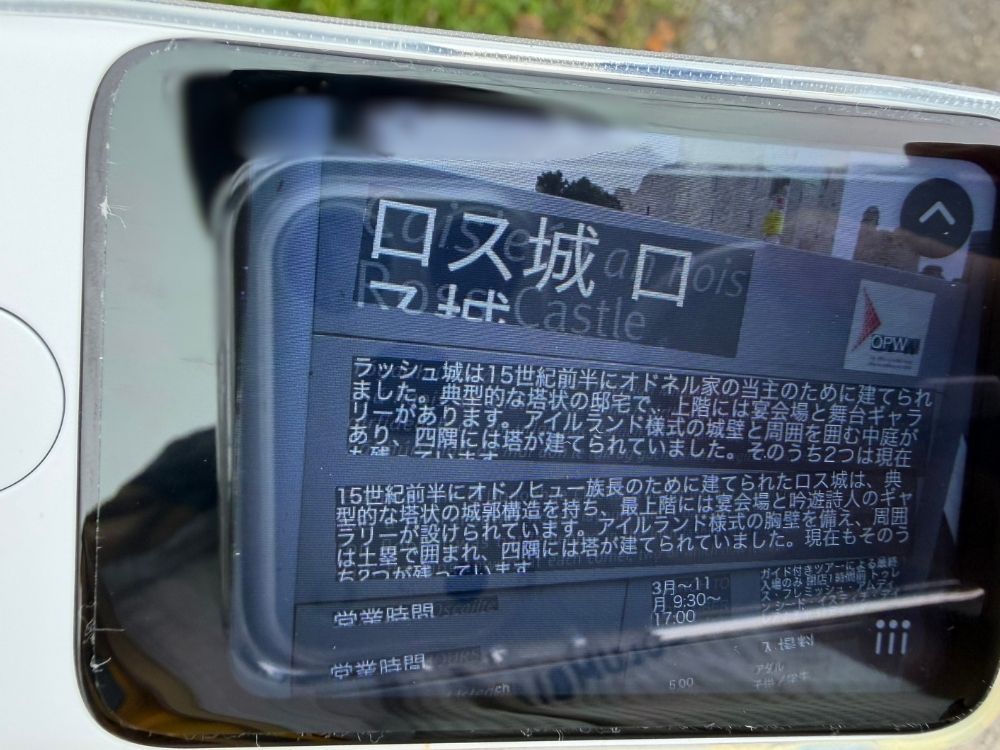
it automatically recognizes the language and shows you the translation.
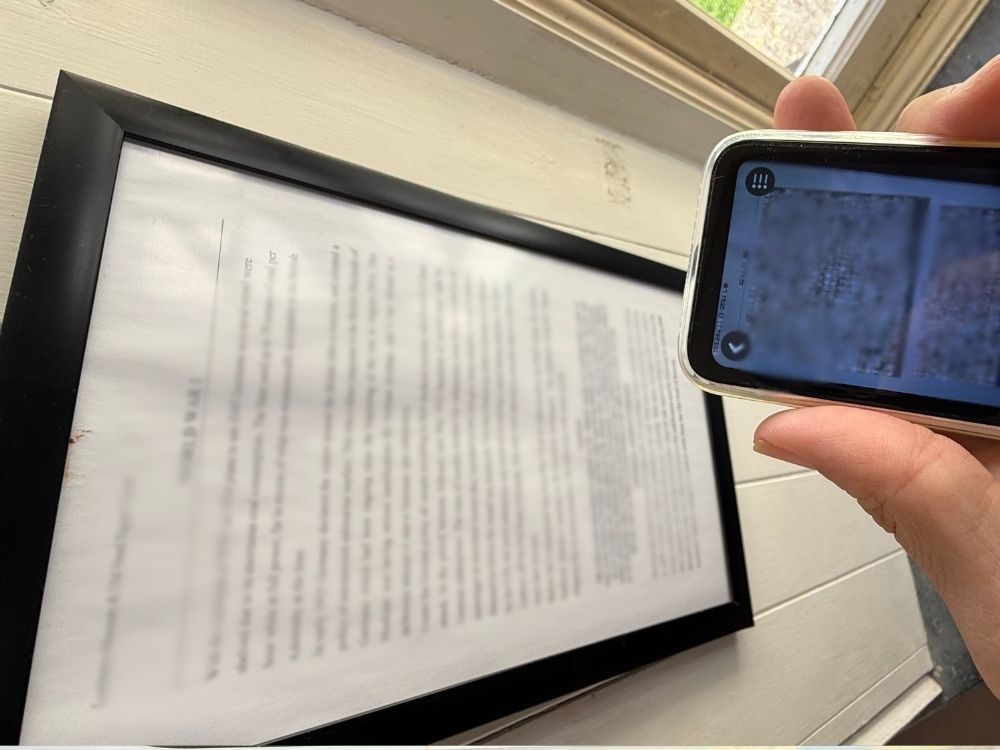
We were amazed that it could accurately translate even a sheet of paper packed full of text.
Our Honest Review of Using It
It Picks Up Your Voice Even When It’s Loud Around You!
There were a lot of people around and it was pretty noisy, but it still recognized what we said clearly.
We’ve used it even when our kids were being loud, and in places packed with people, and it still picks up what we say pretty accurately. It felt noticeably more accurate than a phone on that front.
The Language Settings Are Surprisingly Detailed!
At church, we met someone whose husband had come from Argentina on a working holiday visa.
She couldn’t speak any English herself, so she’d been communicating by typing sentences into Google Translate.
We figured this was the perfect chance to try Pocketalk with her.
She’d obviously never used it before, but once we told her, “This device can translate for us,” and got started, it went really smoothly.
Since it supports so many languages, even within English it adjusts its translation and pronunciation depending on who you’re talking to — American, British, Indian, Australian, Filipino, and more.
Even in places where English is an official language, there are restaurants and other spots where English doesn’t actually get you anywhere, or situations where people only speak the local language. Those moments tend to come up suddenly, and sometimes you don’t have time to spare, so having one less step to deal with is a real relief.
You Can Catch and Fix Mistakes!
Whatever it hears gets displayed on the screen as you go.
That way, if the device mishears you, you can actually notice it yourself as the speaker.
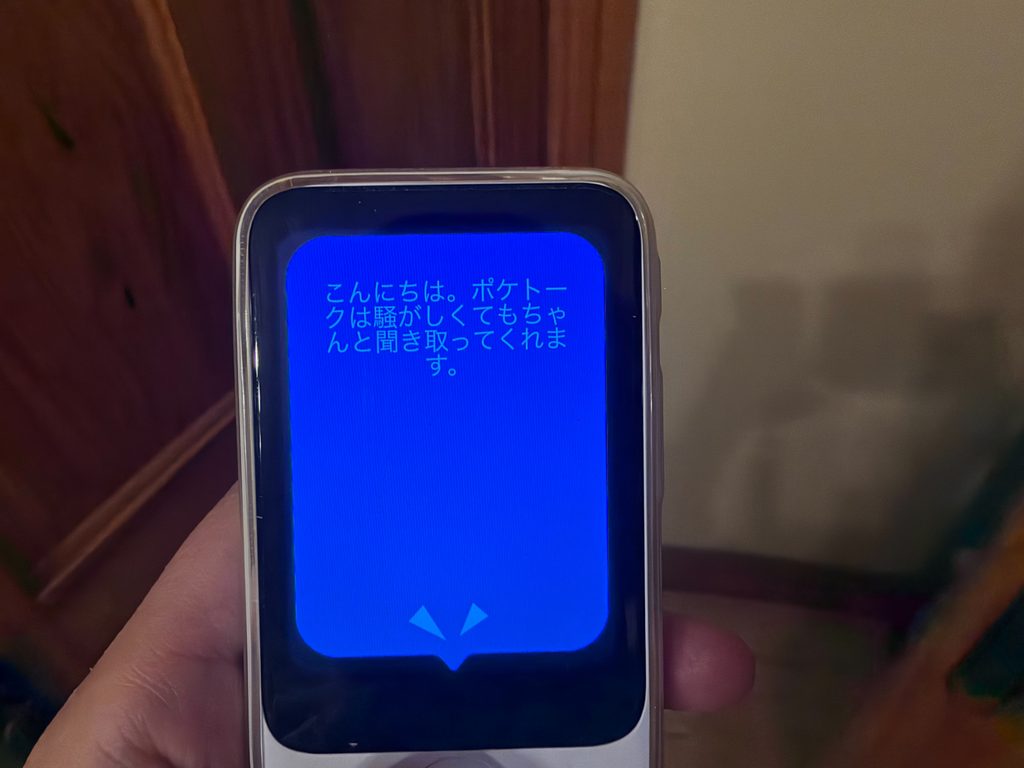
While it’s listening, it shows what it’s hearing in real time,
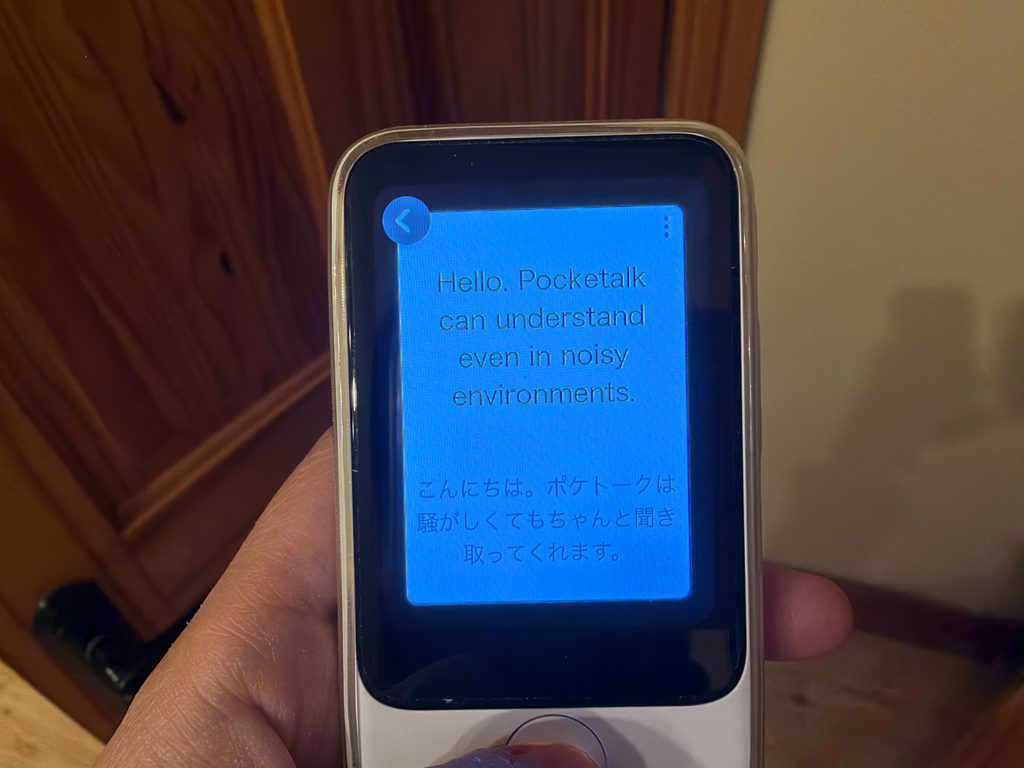
and once it’s translated, you can check exactly what it translated and how, like this.
Per utterance: up to 30 seconds
Since it displays exactly what it heard as text, if something wasn’t picked up correctly, you’ll notice right away and can fix it.
It also has a read-aloud feature, by the way, so you can have it read the translated text out loud too.
I have a friend whose husband’s mother can’t speak any English at all, but apparently she still travels abroad all the time with her Pocketalk in hand.
The Benefits We Noticed Using It With Kids
Watching me use it, our kids sometimes try to copy the pronunciation themselves, so it’s turned into something the whole family enjoys.
Also, I think a lot of parents would rather not hand their phone to their kids while traveling, given the risk of theft or losing it.
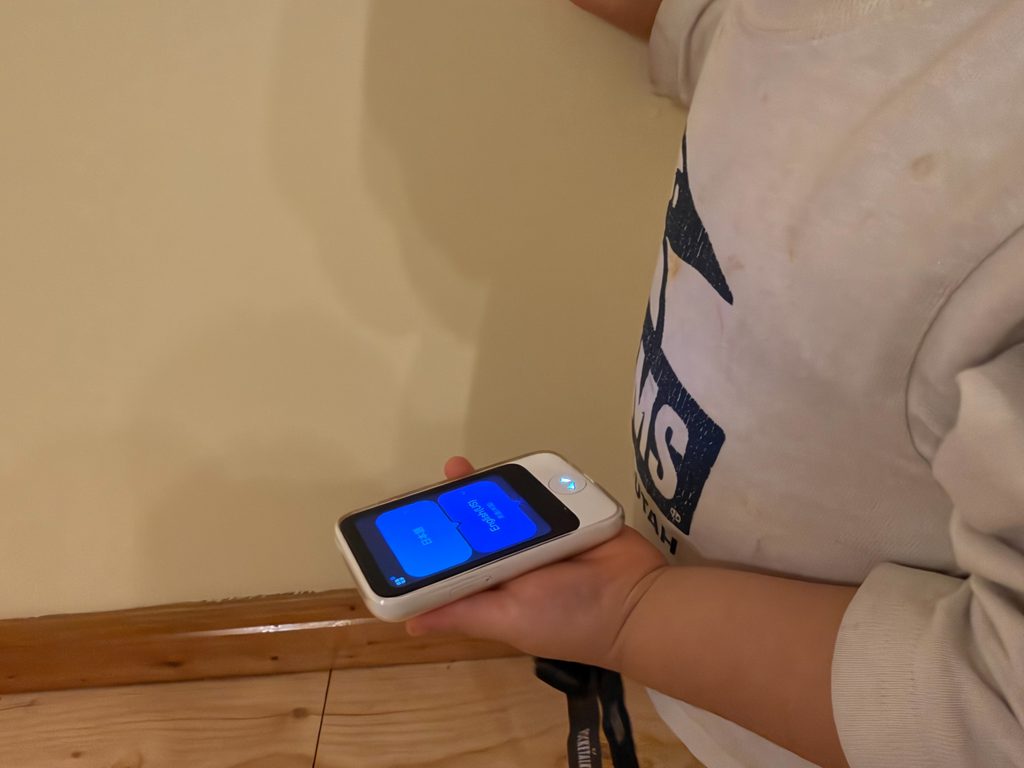
Since Pocketalk is a dedicated translation device, you don’t have to worry about personal information or contacts if you hand it to your kids, which makes it easy to let them hold it without a second thought.
When I handed it to my 2-year-old son, he just mashed the button over and over (ha!), but my 4-year-old son seemed like he could actually handle it.
For trips especially, I started to think this might actually be the ultimate tool for kids.
Between “just press a button and talk,” “the camera can translate text too,” and “it can read things out loud,” I think it’s something kids can use as soon as they’re old enough to talk, even before they can read!
In Summary
Honestly, phone translation is probably good enough on its own. But the appeal of Pocketalk is that you don’t have to think about Wi-Fi, contracts, or battery life — you can just press a button and use it right away, wherever you are.
Personally, if you’re going to buy one, I’d recommend going with the newer Pocketalk S2, since it’s been upgraded to translate more smoothly!
I hope this was helpful!
Thank you so much for reading all the way to the end.
POCKETALK S2 (2-Year Plan)
POCKETALK S2 (5-Year Plan)